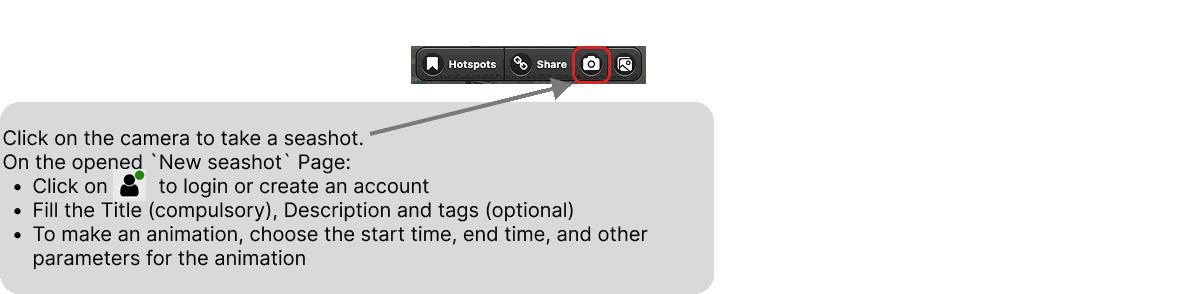
A seashot is taken from the OVL portal, on the view you are currently looking at. Click on the camera button in the toolbar at the top of the portal:
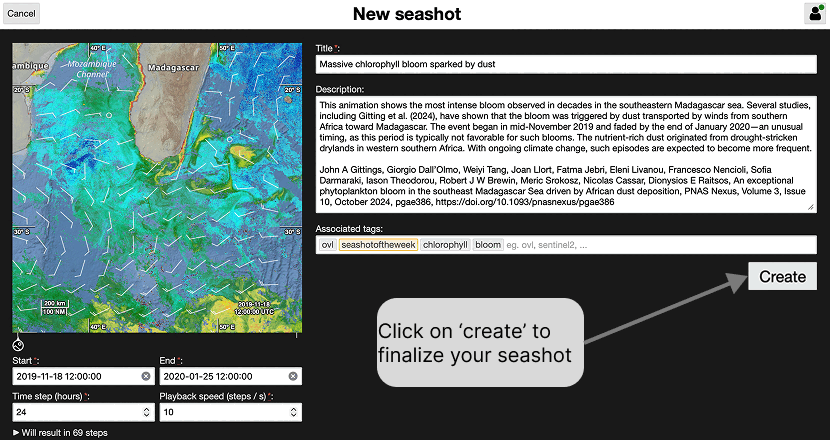
The New seashot page opens. It shows a preview of the captured view on the left, and the information describing it on the right:
click on the account button, at the top right, to log in or create an account — see Sign up / Log in
fill in the Title, which is compulsory, and, if you want, a Description and a few tags
to make an animation, set the Start and End dates, the Time step in hours and the Playback speed in steps per second; the page tells you how many steps the animation will contain
Click on Create to finalize your seashot.