Publishing a seashot
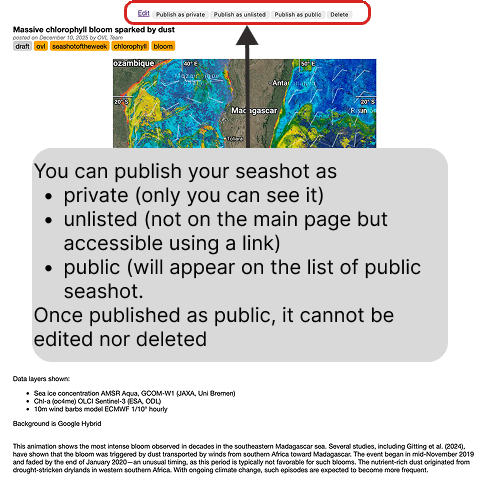
A seashot you have just created is a draft. The bar at the top of its page lets you edit it, delete it, or publish it at one of three levels:
private — only you can see it
unlisted — it does not appear on the main page, but anyone with the link can open it
public — it appears in the list of public seashots
Sharing a seashot
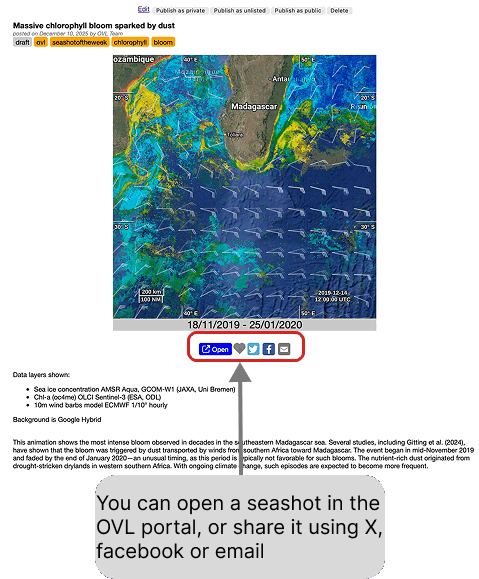
A published seashot shows the animation with the period it covers, the list of the data layers displayed, the background used, and the description you wrote.
The buttons under the image let you open the seashot back in the OVL portal — so that the reader lands on the very view you captured — or share it on X, on Facebook, or by email.